A Twitch bot in Ukrainian and English
A free Twitch bot for Windows: commands, text-to-speech, donations, alerts, OBS overlays and automation in one app.
Installer or portable build, with automatic updates.
Free
No subscriptions. Paid voices are optional and use your own key.
Everything on your PC
Actions, variables and overlays stay with you. The Ukrainian voice works offline.
Two languages
The interface and the bot's chat replies can each be Ukrainian or English, set separately.
What is inside
The three main things.
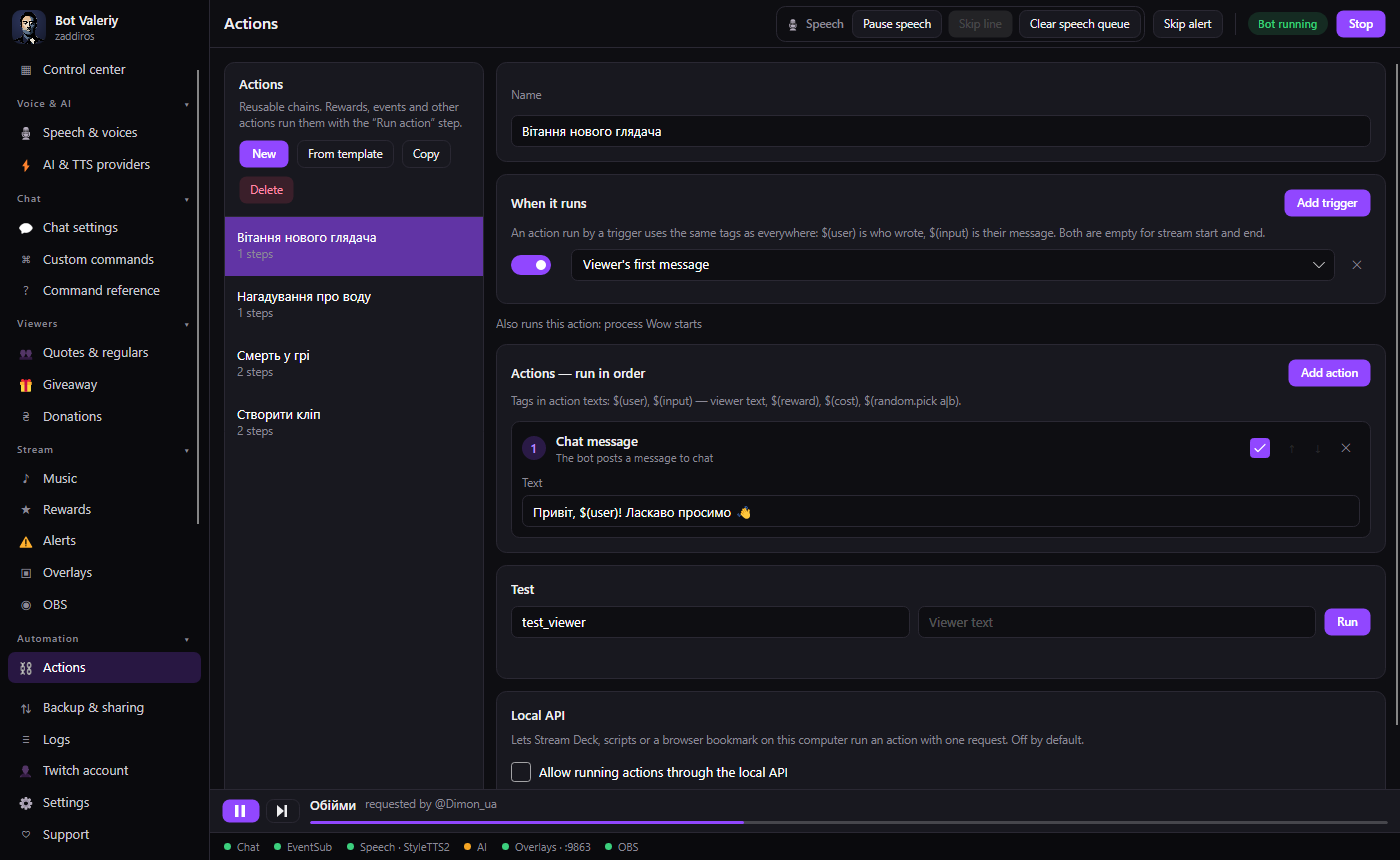
Actions
An action is a chain of steps: write to chat, read a text aloud, switch an OBS scene, change a variable. There are conditions, repeats and switches, and no coding.
- Conditions, switches, repeats
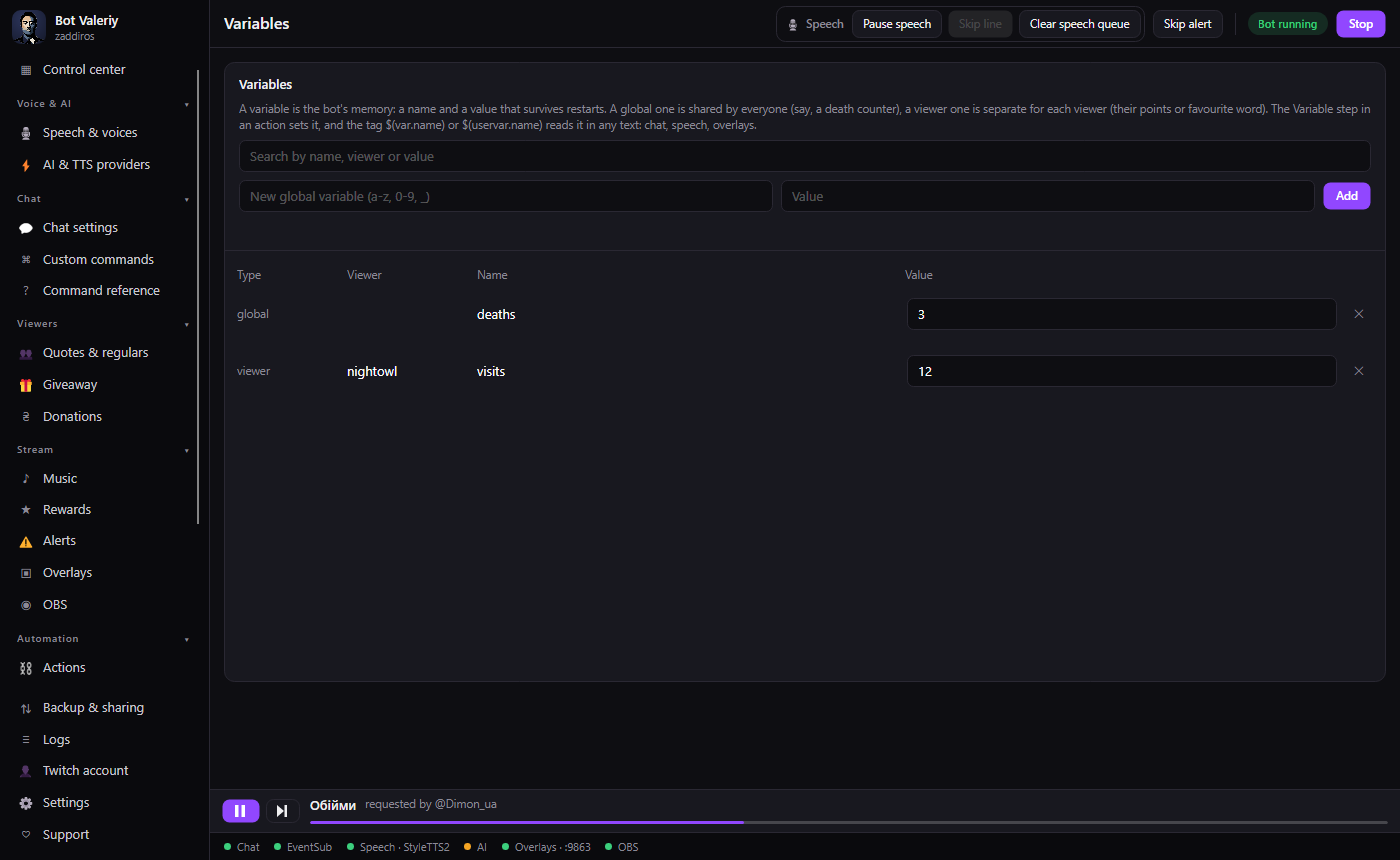
- Variables: one for everyone, or one per viewer
- Templates: death counter, raid greeting, ads
- Run history and a test button
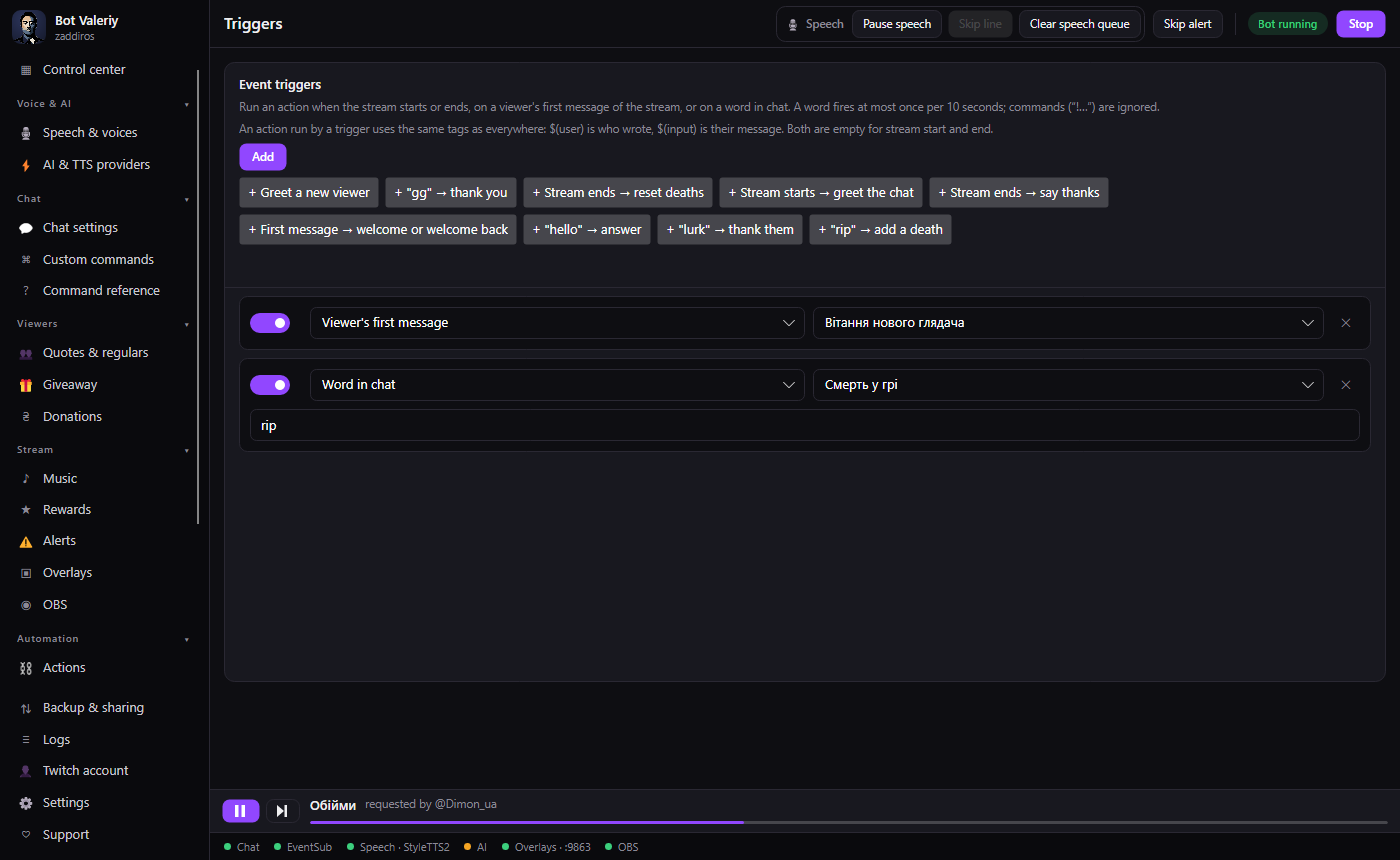
What starts an action
The same action can be started in different ways.
- Triggers: stream start and end, a viewer's first message, a word in chat
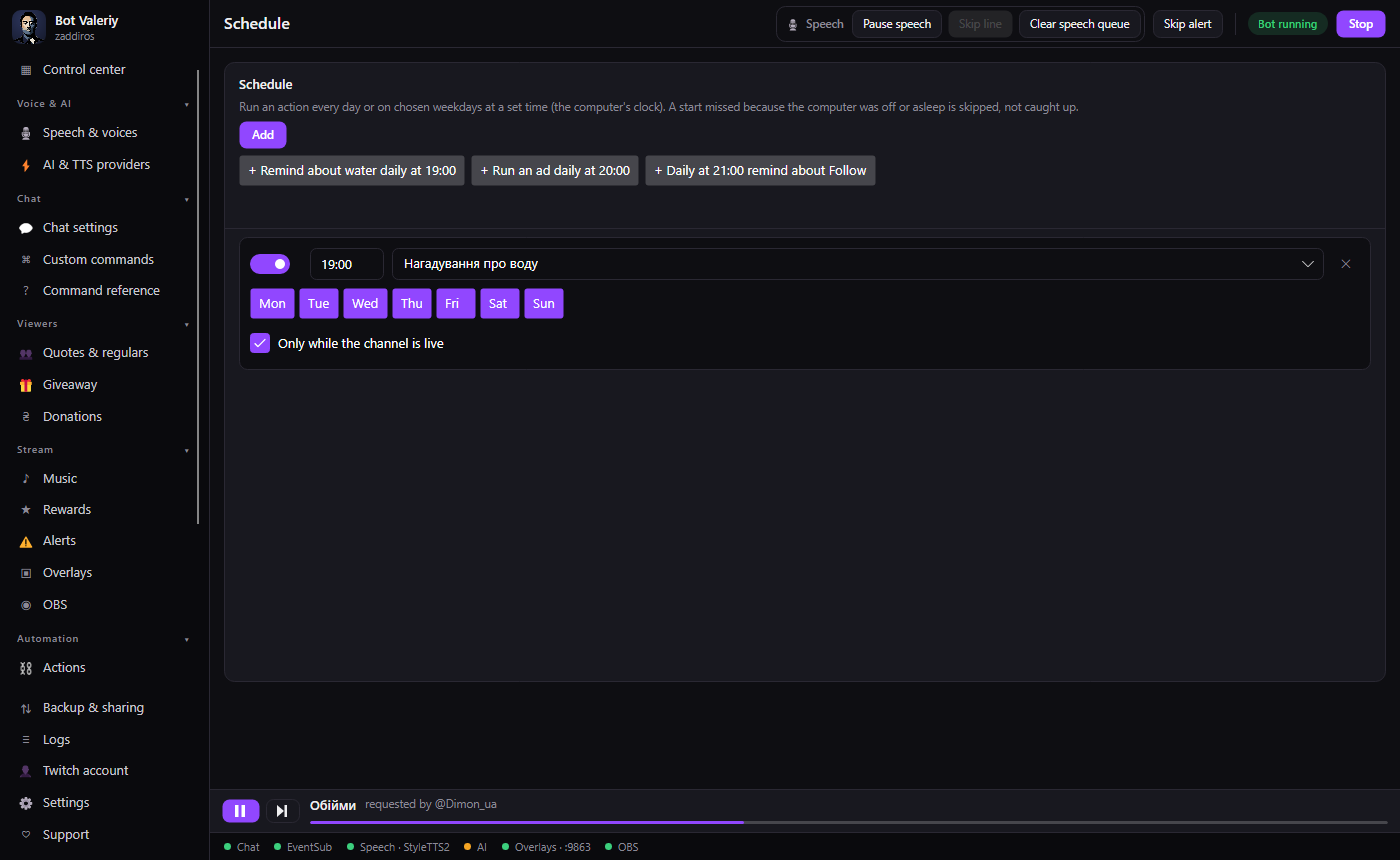
- Schedule: every day or on chosen days
- A game starts or closes; a hotkey
- The local API, for example from Stream Deck
Overlays and alerts
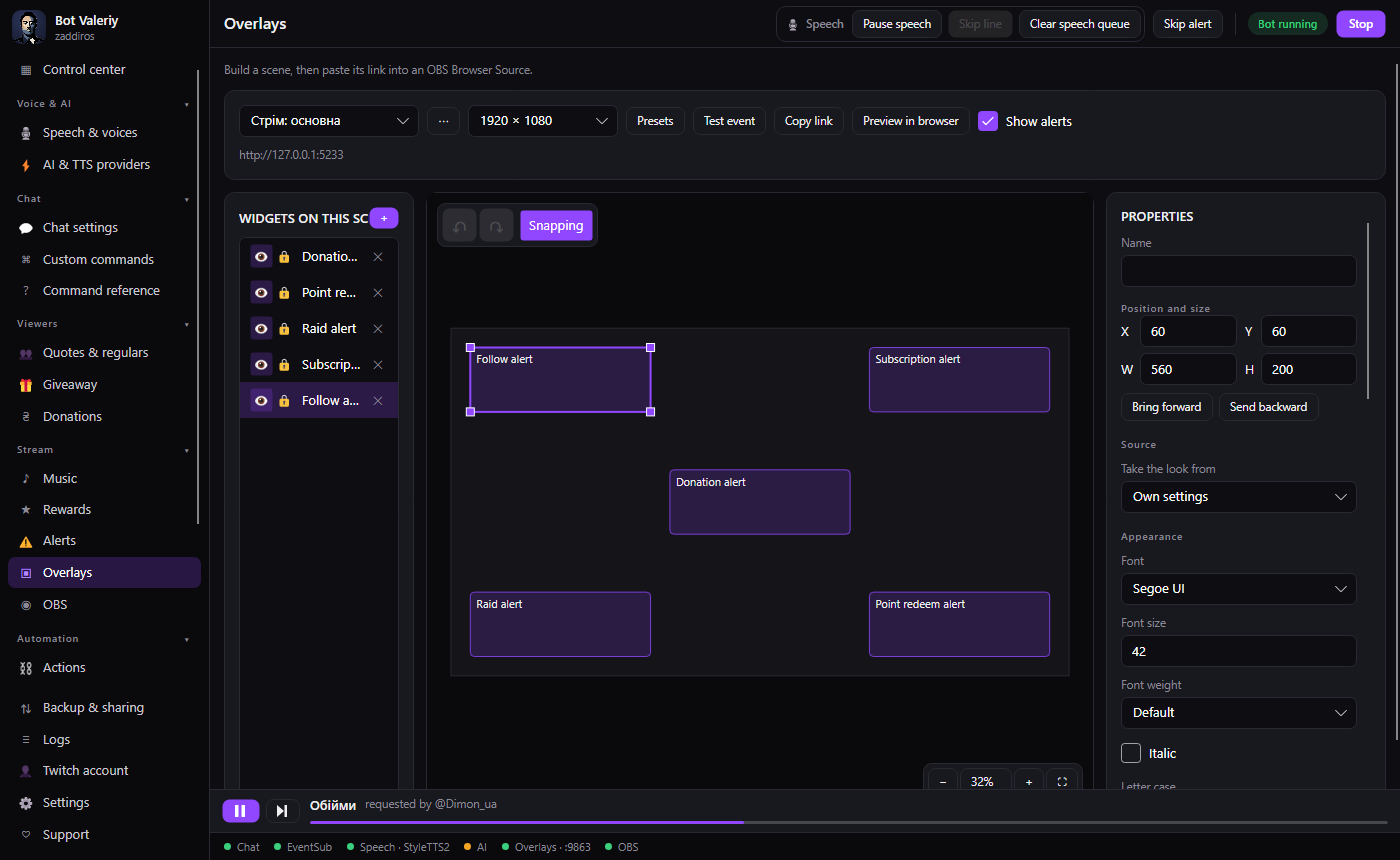
Build a scene from widgets and paste its link into a Browser Source in OBS.
- Follow, sub, raid, bits, point redemption, donation
- Each event gets its own text, sound and voice
- Viewer song requests with a player right in OBS
- Speech and music as separate audio sources
What it looks like
All features
What is already in the app, by topic.
Automation
- Actions
- Steps with conditions, repeats and variables.
- Triggers
- Stream start and end, first message, a word in chat.
- Schedule
- Every day or on chosen days, by the computer clock.
- Processes
- A game starts or closes: switch the scene or greet the chat.
- Hotkeys
- A combination runs any action, even when the app is minimized.
- Variables and groups
- Global and per-viewer variables, group switches for modes.
- Local API
- Run actions from Stream Deck or a script.
- Streamer.bot import
- Carries over part of your Streamer.bot actions and commands.
Chat and moderation
- Custom commands
- Tags $(user), $(1), $(random), cooldowns, aliases.
- Timers
- A chat message at a set interval.
- Moderation
- Banned words, auto-deletion, blocking.
- Quotes and regulars
- Channel quotes and a list of regular viewers.
Text-to-speech
- Ukrainian voices
- StyleTTS2 and Supertonic run on your computer.
- Other voices
- ElevenLabs, OpenAI, Gemini, Grok, Edge: optional, with your own key.
- A voice per viewer
- A name and a voice for each viewer through aliases.
- Speech queue
- Skip a line or clear the queue in one click.
Alerts and overlays
- Alerts
- Follow, sub, gifts, raid, bits, redemption, donation.
- Scene editor
- Text, images, video, chat, Now Playing, custom code.
- Viewer music
- !sr requests and a YouTube player in OBS.
- Audio in OBS
- Speech and music as separate sources with their own fader.
Viewers
- Donatello donations
- Hryvnia with no conversion: an alert, speech, a thank-you in chat.
- Channel point rewards
- Create rewards and run actions on them.
- Giveaways
- A chat giveaway with a winner draw.
- Polls and predictions
- Manage Twitch polls and predictions.
What it works with
It connects to the services streamers already use.
- TwitchPlatform
- OBS StudioStreaming software
- DiscordCommunity
- DonatelloDonations
- Stream DeckControl surface
- YouTubeMusic
- ElevenLabsText-to-speech
- OpenAIText-to-speech
- GeminiText-to-speech
- GrokText-to-speech
- Microsoft EdgeText-to-speech
FAQ
Is Valeriy free?
Yes. Paid voices such as ElevenLabs are optional and use your own key.
Is there a Ukrainian voice?
Yes. The model downloads once, and after that speech runs on your computer with no internet, keys or subscriptions.
Does it work with OBS?
Yes. Overlays, alerts, speech and music connect as a Browser Source, and the bot can switch scenes and control recording through OBS WebSocket.
How do I accept donations?
Connect Donatello. A donation arrives in hryvnia, is read aloud and shown as an alert on stream.
Can I bring my Streamer.bot actions over?
Partly. Backup & sharing has an SBAE string import: messages, pauses, variables, conditions, many OBS and Twitch steps and commands carry over. C# code and most integrations do not, and the report lists exactly what was skipped.
Where is my data stored?
On your computer. Actions, variables, overlays and settings are local, and secrets are encrypted with Windows.
Which languages does the app have?
Ukrainian and English. The interface language and the language the bot writes in chat can be set separately.
Try it on your stream
Download the app, add a few ready templates and run your first trigger.